
How I Make Kids Cartoon Videos Using AI (Simple & Practical Guide)

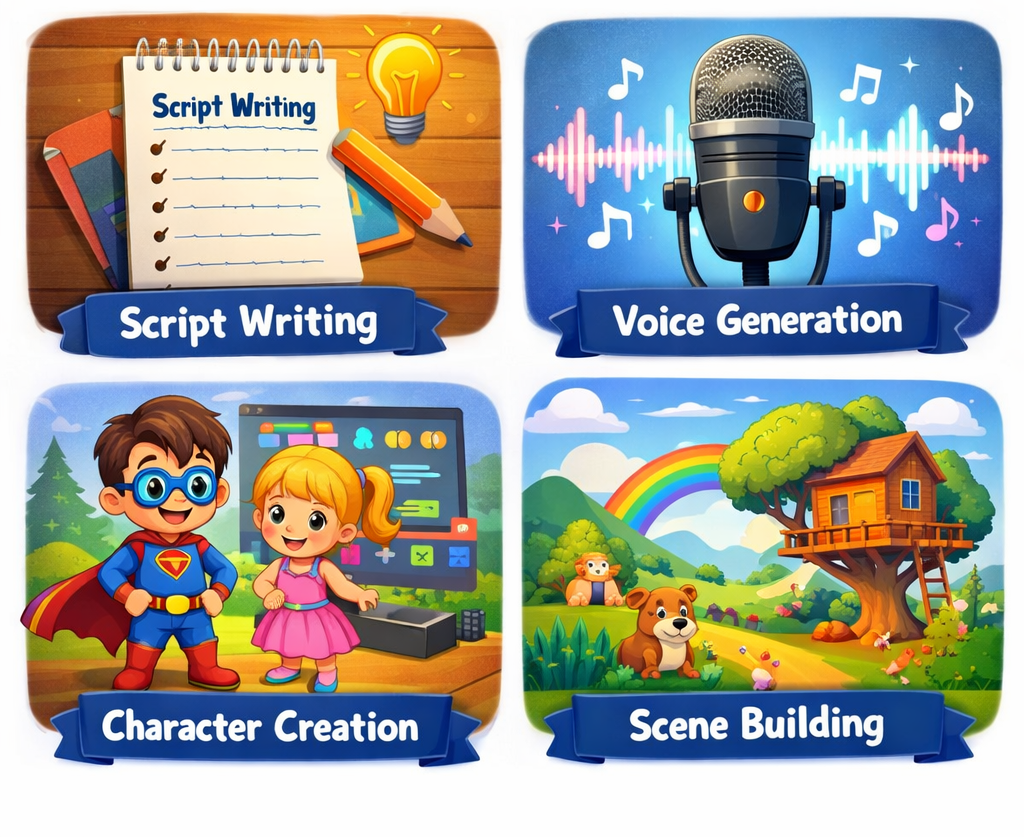
Step 1: Write a Simple Kids Story
Har cartoon video ki jaan uski story hoti hai. Kids ke liye story jitni simple hogi, utni hi effective hogi.
Story likhte time dhyan rakho:
- Sentences chhoti aur easy ho
- Animals, toys ya magic characters use karo
- End me ek chhota sa moral zaroor ho
Agar story likhna mushkil lagta hai, to AI tools help kar dete hain.
Example Prompt (jo main khud use karta hoon):
“Write a short, fun story for kids aged 3–6 about a small white cat who learns to share.”
Is tarah ke prompts se aap 5–6 story ideas ek saath nikal sakte ho, fir best wali choose kar lo.
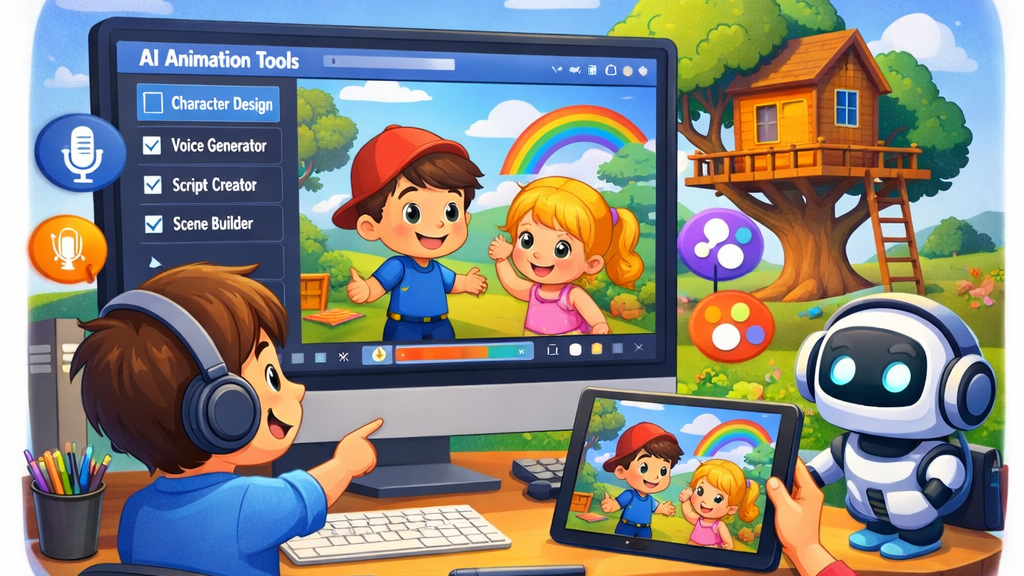
Step 2: Convert Story into Voice (Voiceover)
Kids videos me voice bahut important hoti hai. Hard ya fast voice se bachna chahiye.
Free / Popular AI Voice Tools:
- ElevenLabs – natural sound ke liye best
- PlayHT
- TTSMaker
- Narakeet
Mere personal tips:
- Voice slow aur clear rakho
- Bacchon ke liye friendly tone choose karo
- English ya Hindi – jo audience ho uske hisaab se
Voiceover ko MP3 format me download kar lo.
Step 3: Create Cartoon Characters (No Drawing Skills Needed)
Agar aapko drawing nahi aati, to tension lene ki zarurat nahi. AI image tools yahan game changer hain.
Character banane ke tools:
- Bing Image Creator
- Leonardo AI
- Playground AI
Simple Prompt Example:
“A small cute white cat cartoon character, colorful, kids animation style, soft lighting”
2–3 images generate karo aur jo sabse cute lage usse use karo.
Step 4: Animate the Cartoon (Easiest Part)
Ye step sunne me tough lagta hai, lekin actually yahin AI sab kaam kar deta hai.
Beginner-friendly Animation Tools:
- Animaker (sabse easy)
- Pika Labs
- Runway ML
- Kaiber AI
Bas aapko:
- Character image upload karni hai
- Voiceover add karna hai
Baaki movement aur scenes AI khud handle kar leta hai.
Add Background Music & Sound Effects
Bina music ke kids video thoda boring lagta hai.
Free Music Websites:
- YouTube Audio Library
- Pixabay Music
- Mixkit
Hamesha light, happy aur soft music choose karo. Zyada loud music avoid karo.
Step 6: Edit & Finalize the Video
Sab cheezon ko ek saath jodne ke liye simple video editor use karo.
Free Editors Jo Main Recommend Karta Hoon:
- CapCut (beginner ke liye best)
- VN Editor
- DaVinci Resolve
Yahan aap:
- Text captions add kar sakte ho
- Smooth transitions laga sakte ho
- Colors thode bright kar sakte ho
Video ko 1080p quality me export karo.
Step 7: Upload & Optimize for Kids Content
- “Made for Kids” option enable karo
- Thumbnail colorful aur simple rakho
- Title zyada complicated mat banao
Simple Title Examples:
- “The Little White Cat | Cute Kids Cartoon Story”
- “Fun Moral Story for Kids